

Step 1
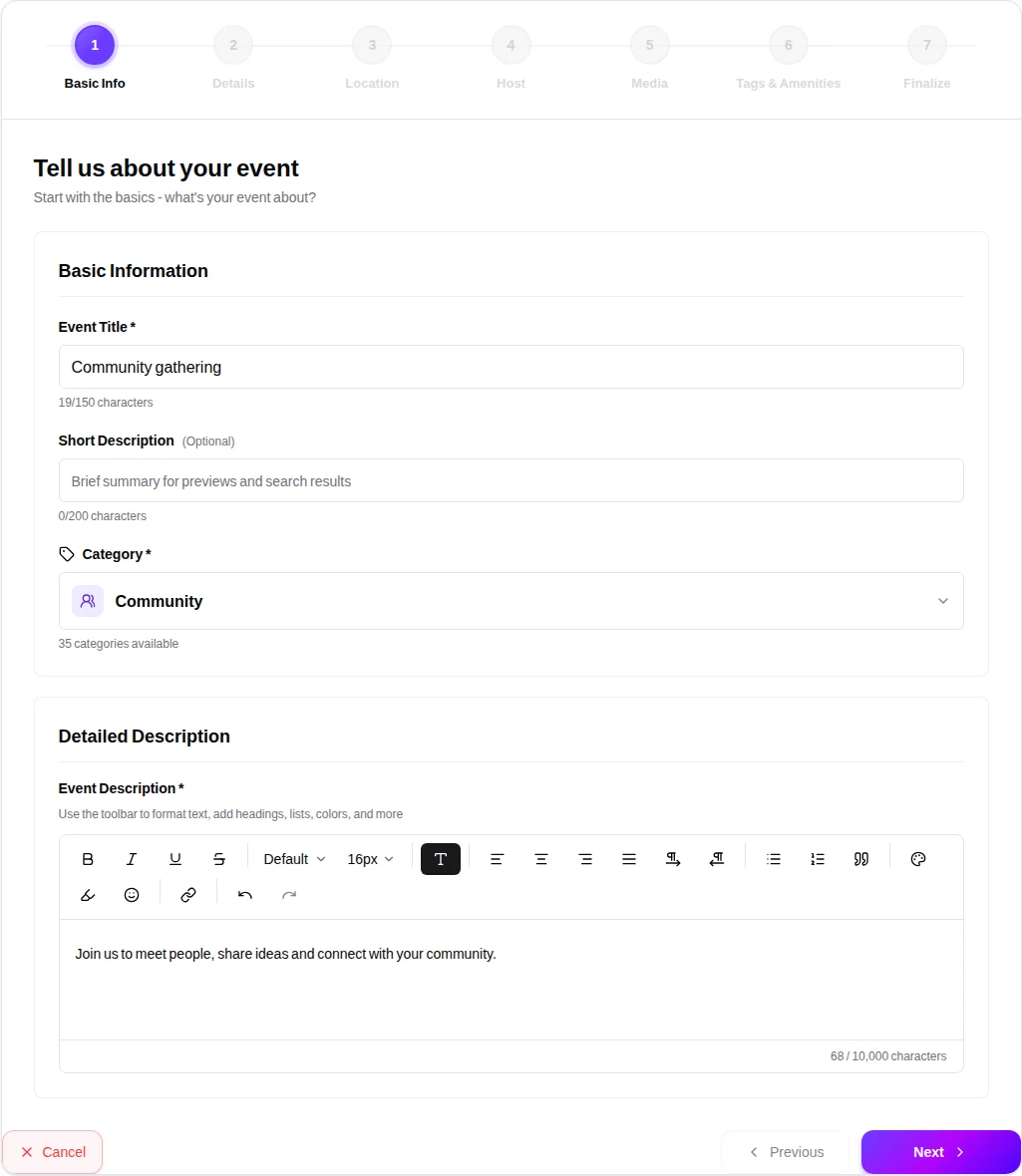
Introduce your event
Make it easy to understand who your event is for and what will happen.
- Enter a clear title and a useful description.
- Choose the most suitable event category. Complete required fields before continuing.
HayatHub knowledge base
Follow the actual event wizard with screenshots, practical instructions and a clear path from your first draft to review.
Guide updated:
Screenshots show the current wizard with example details. Your available options and configured limits may differ.
Step 1
Make it easy to understand who your event is for and what will happen.
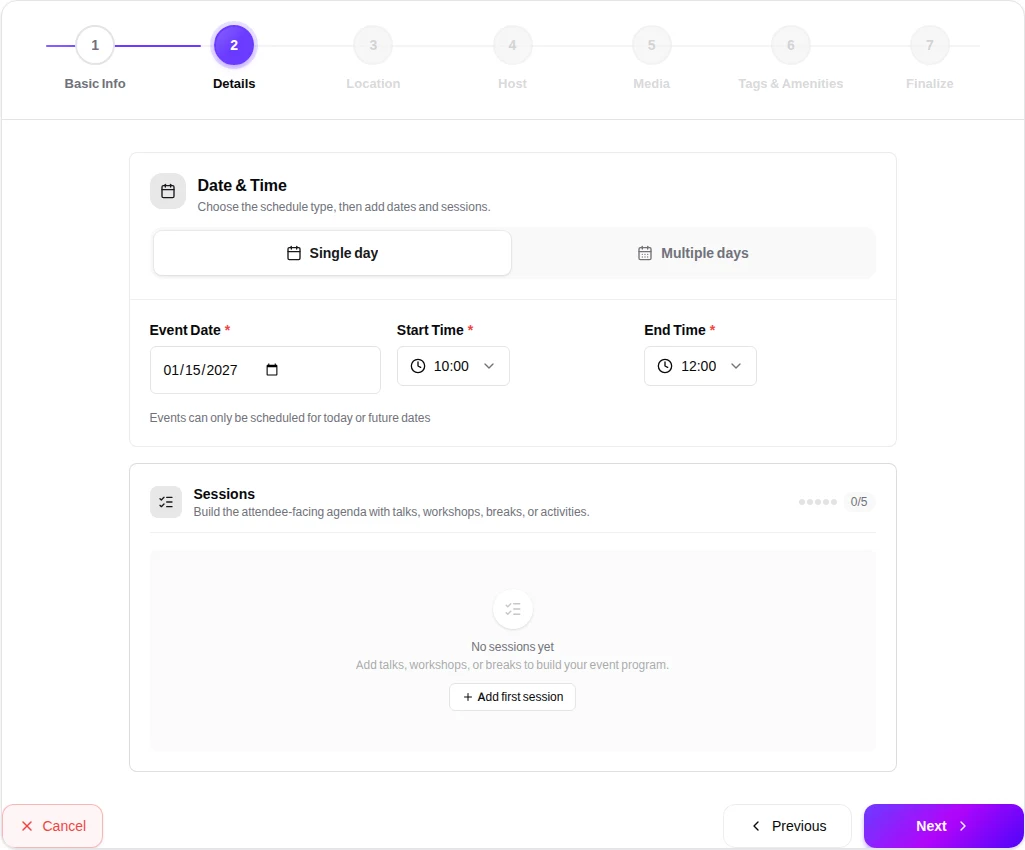
Step 2
Choose a single-day or multi-day schedule and check every session.
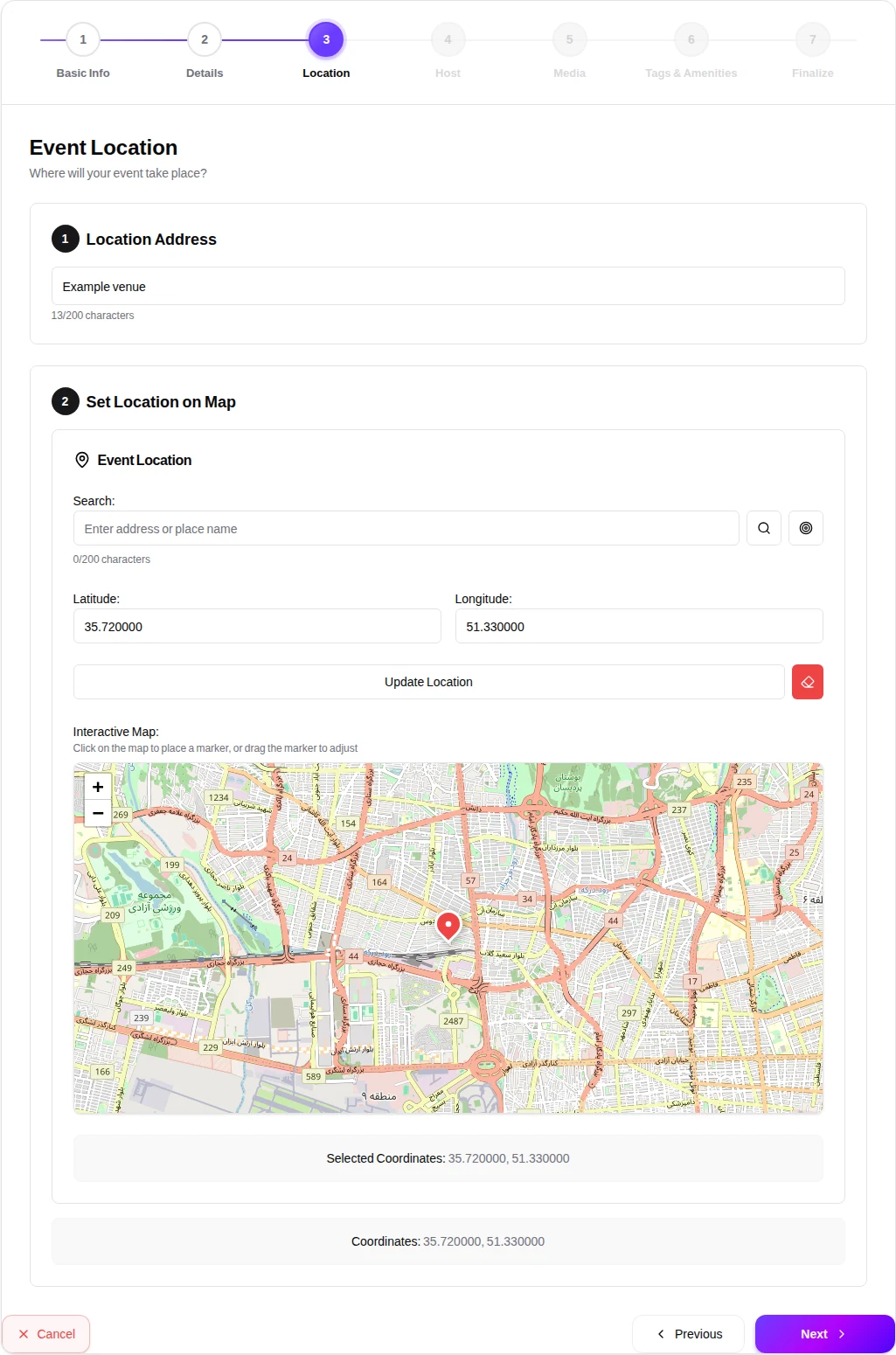
Step 3
Help attendees find the right place.
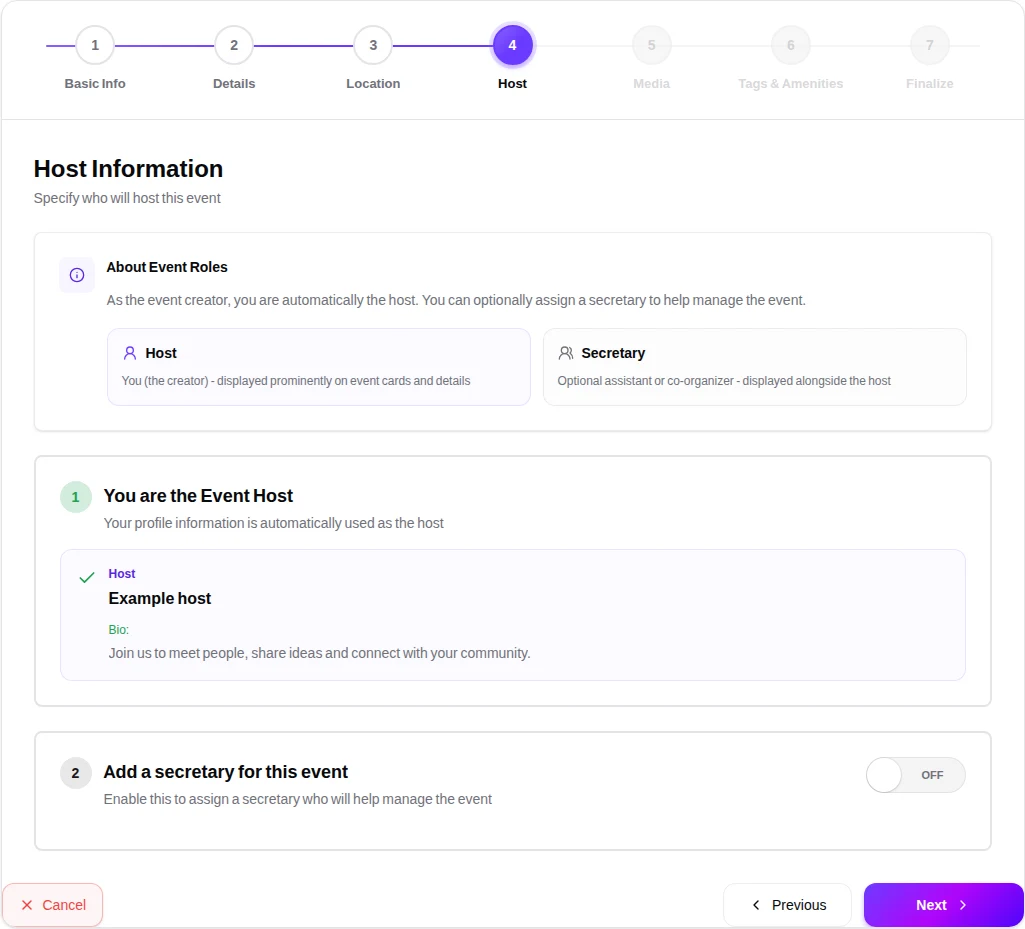
Step 4
Let attendees know who is organizing the event.
Step 5
Give attendees a visual introduction to the event.
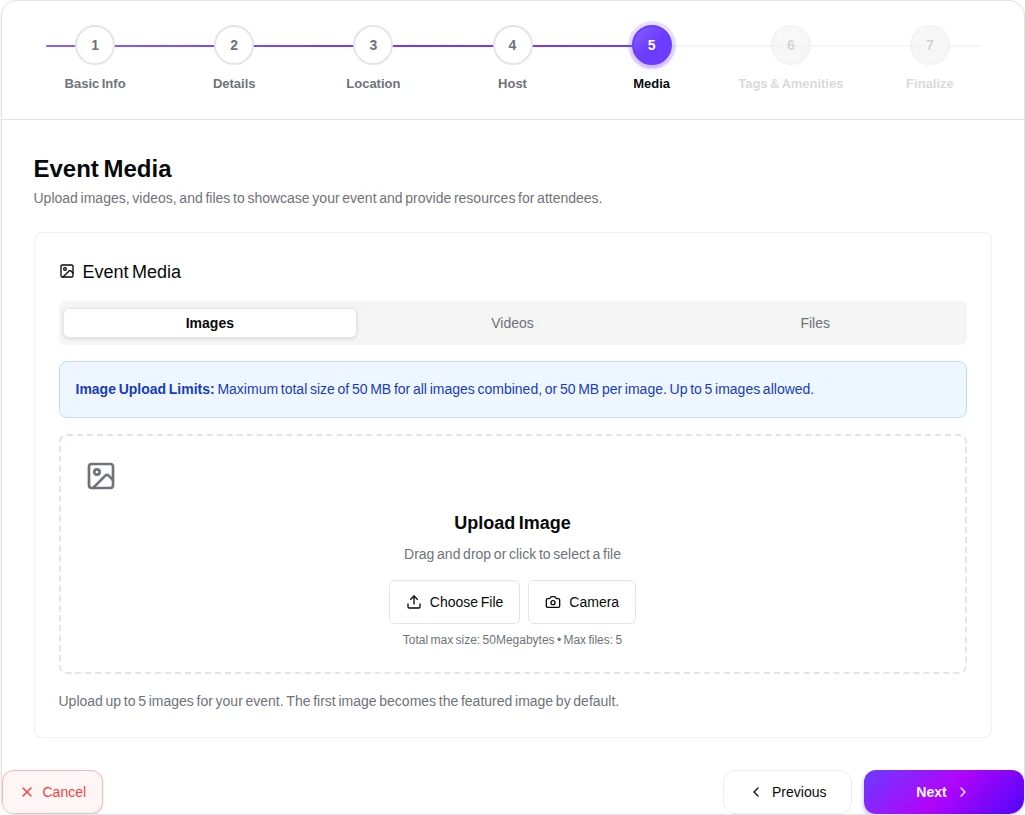
Step 6
Help people discover the event and prepare for it.
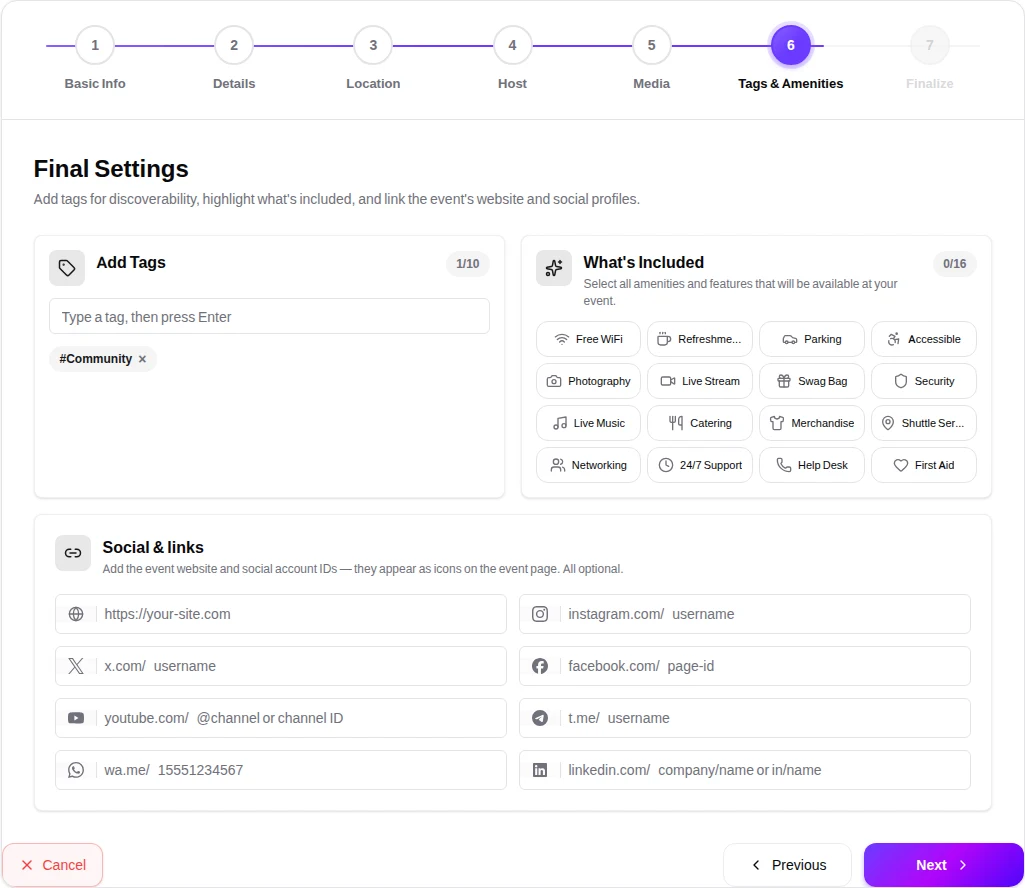
Step 7
Review the event page and choose how to proceed.
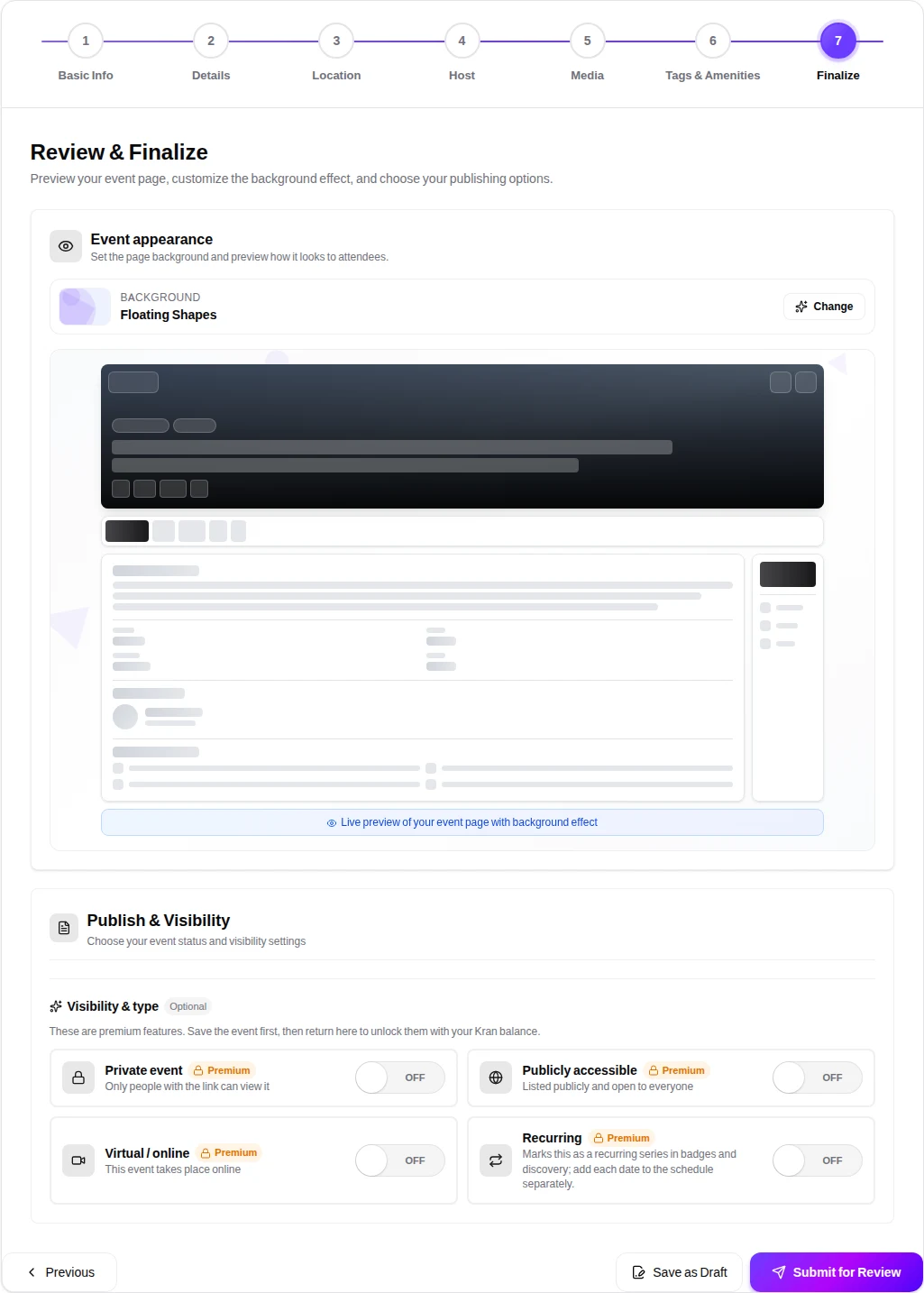
Keep this guide open while you create your event. For other questions, visit the FAQ or contact us.